
Seedream 5.5 AI image generator

Edit the same image round after round, or generate transparent assets.

Seedream 5.5

Trusted by 400,000+ creators

What's new in Seedream 5.5

ByteDance released it on November 9, 2026. Three things it does better.

Change one thing, keep the rest

Edit one detail per round. Everything else stays put.
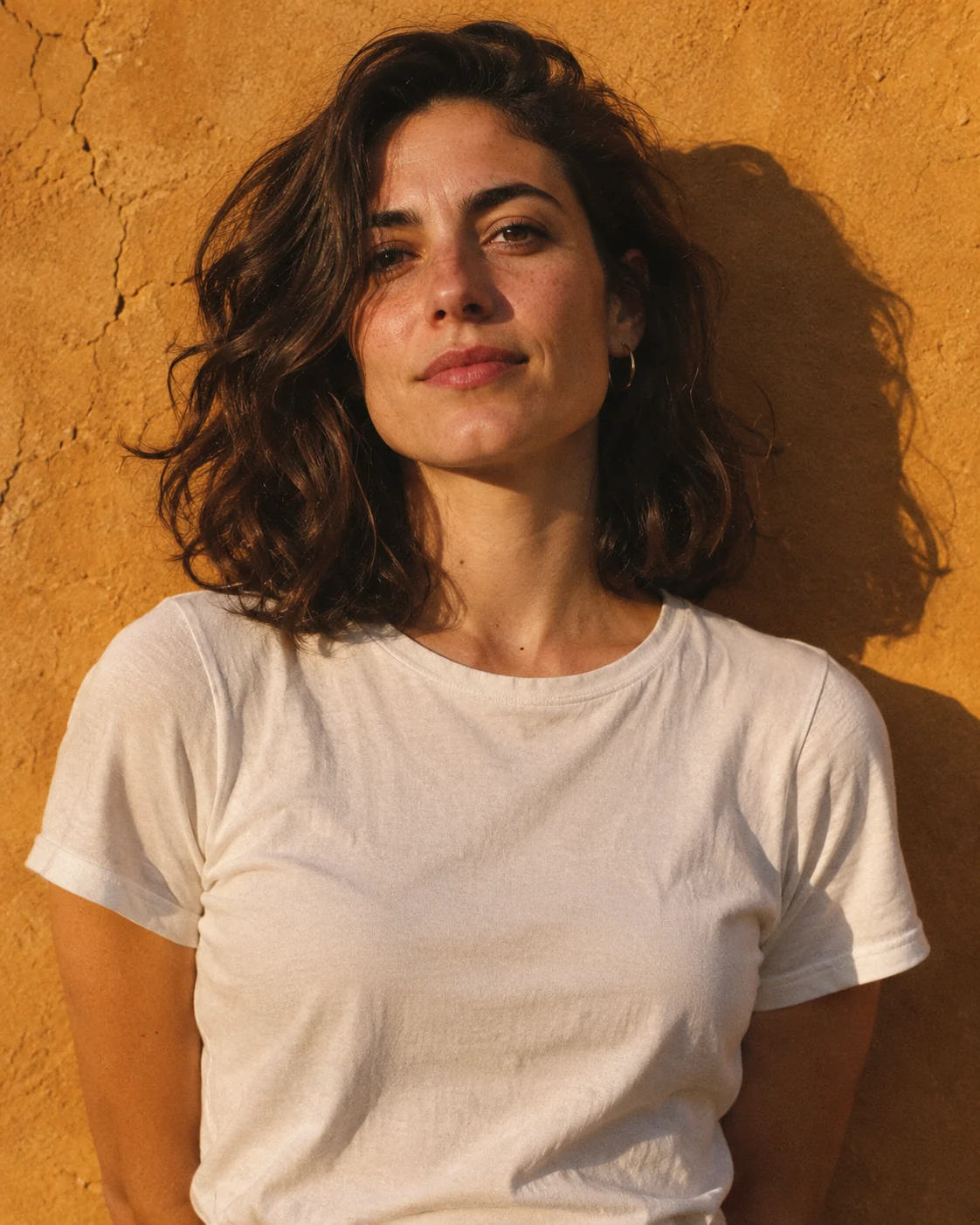
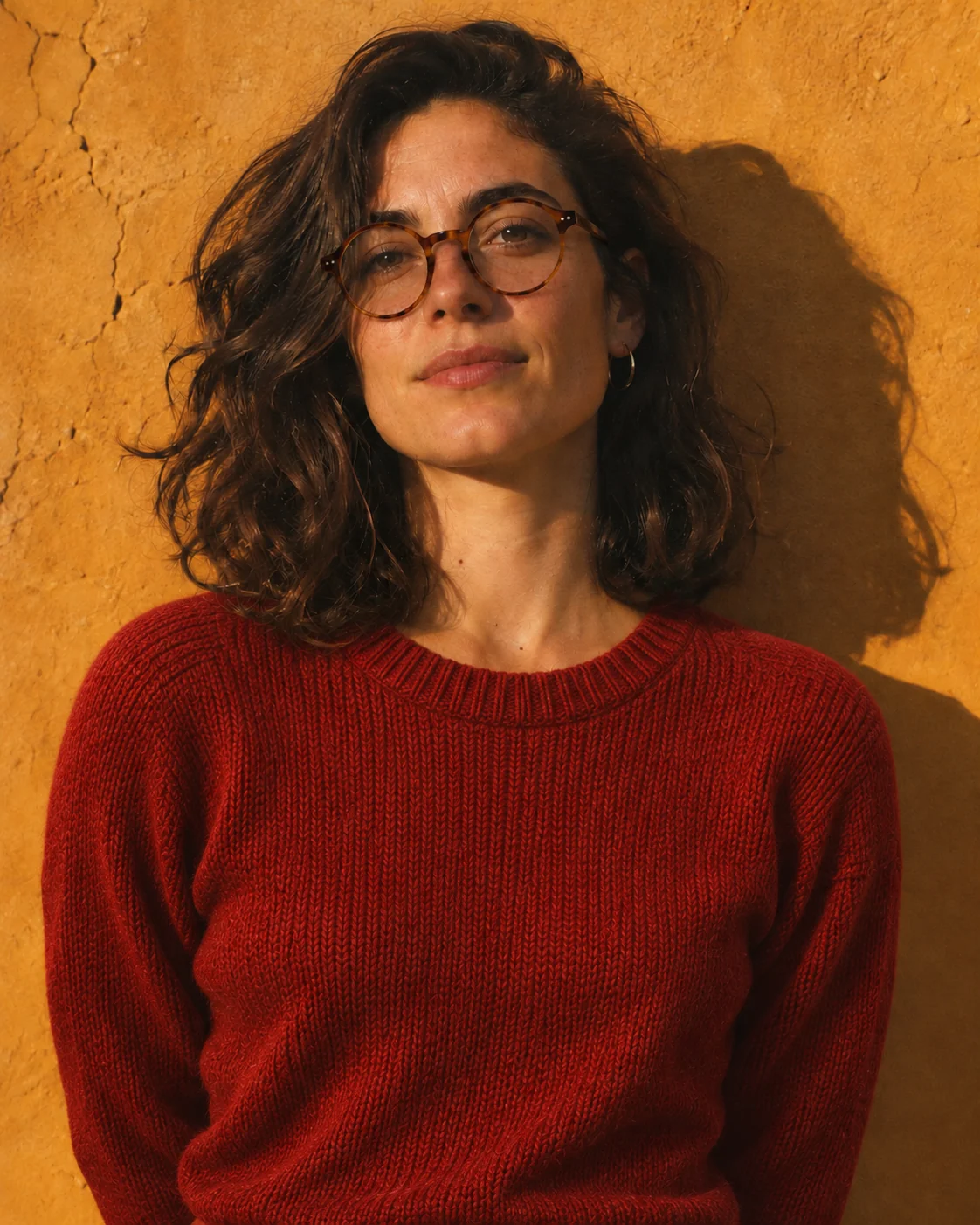
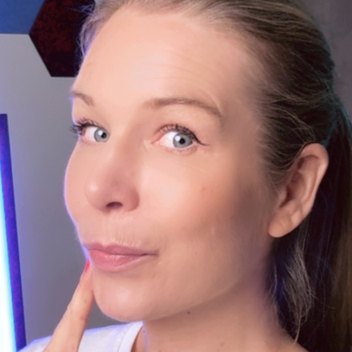
  1. A portrait against an ochre wall in late sun1

    A portrait against an ochre wall in late sun.
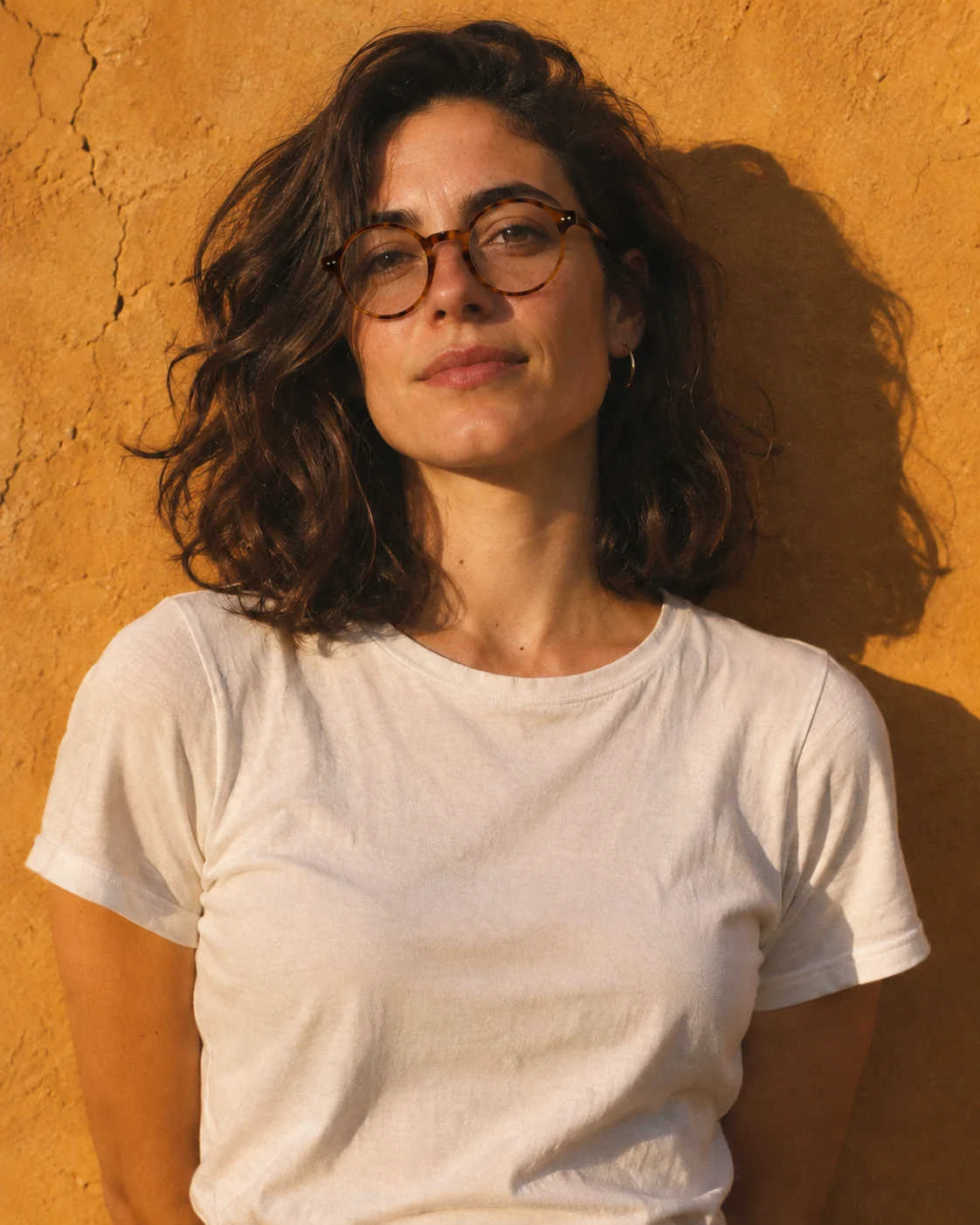
  2. Add round tortoiseshell glasses2

    Add round tortoiseshell glasses.

  3. Change the T-shirt to a red knit sweater3

    Change the T-shirt to a red knit sweater.
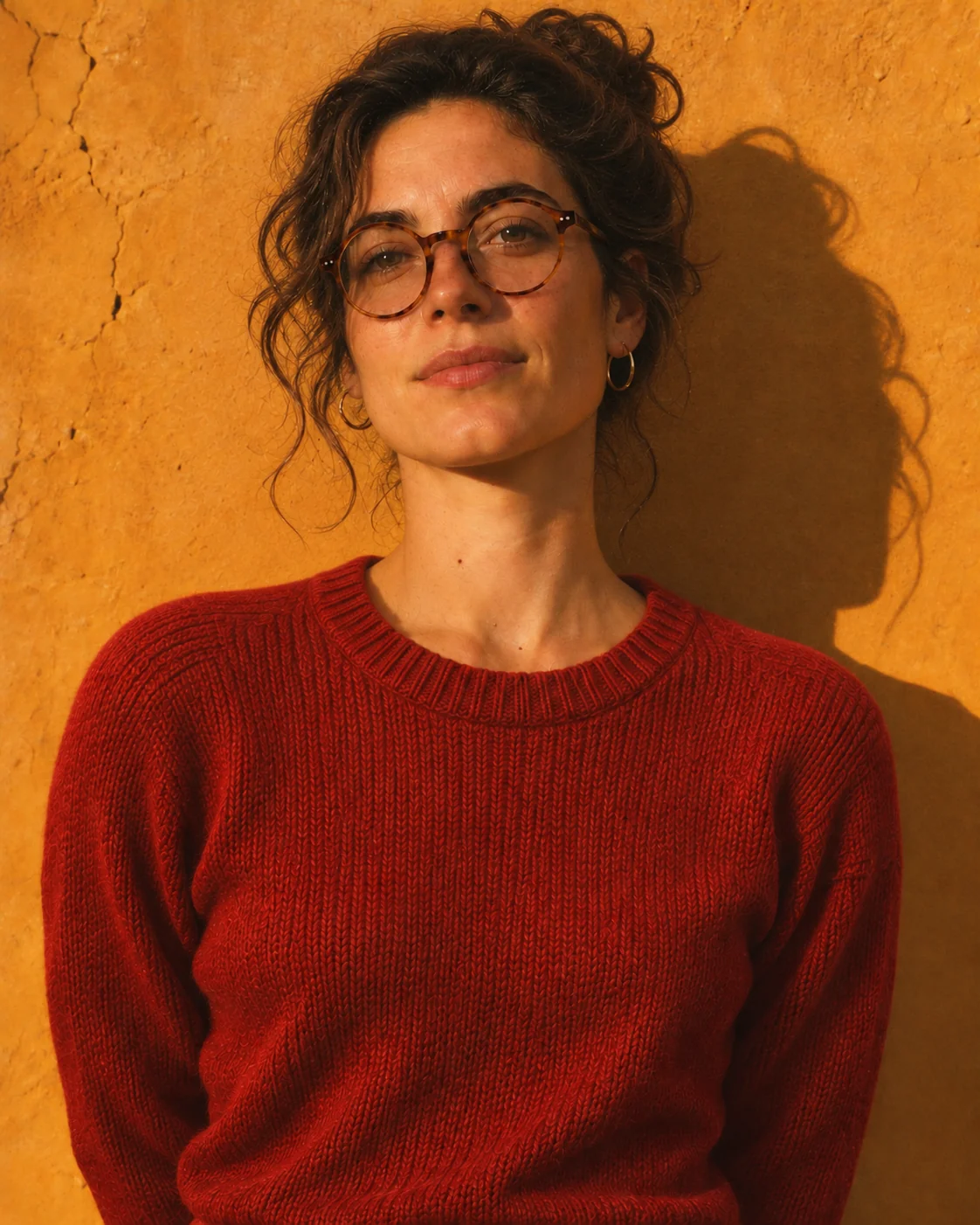
  4. Tie her hair up in a loose bun4

    Tie her hair up in a loose bun.

Get assets with no background

Transparent PNGs that drop straight onto your footage.

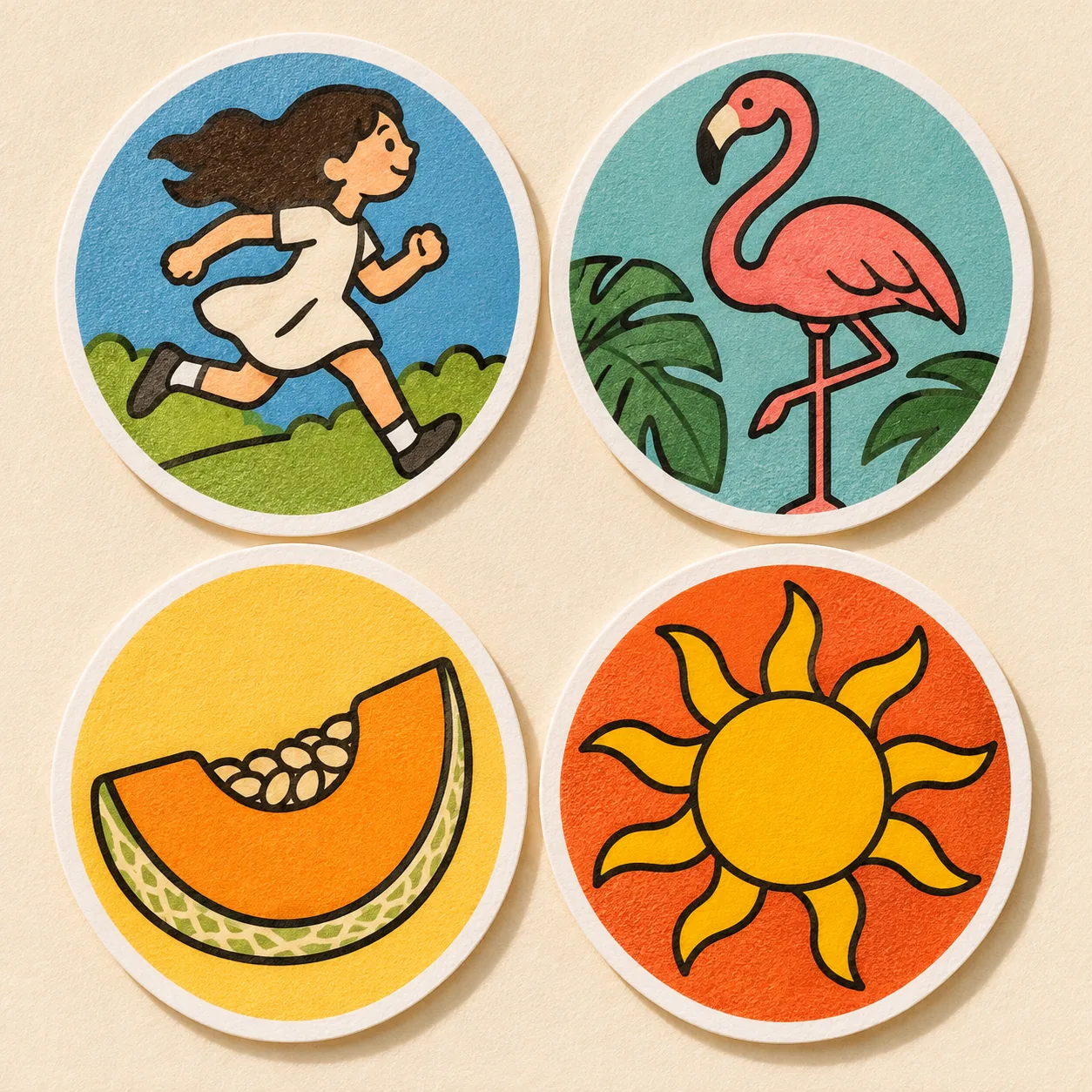
Stickersun-sticker.pngTransparent PNG

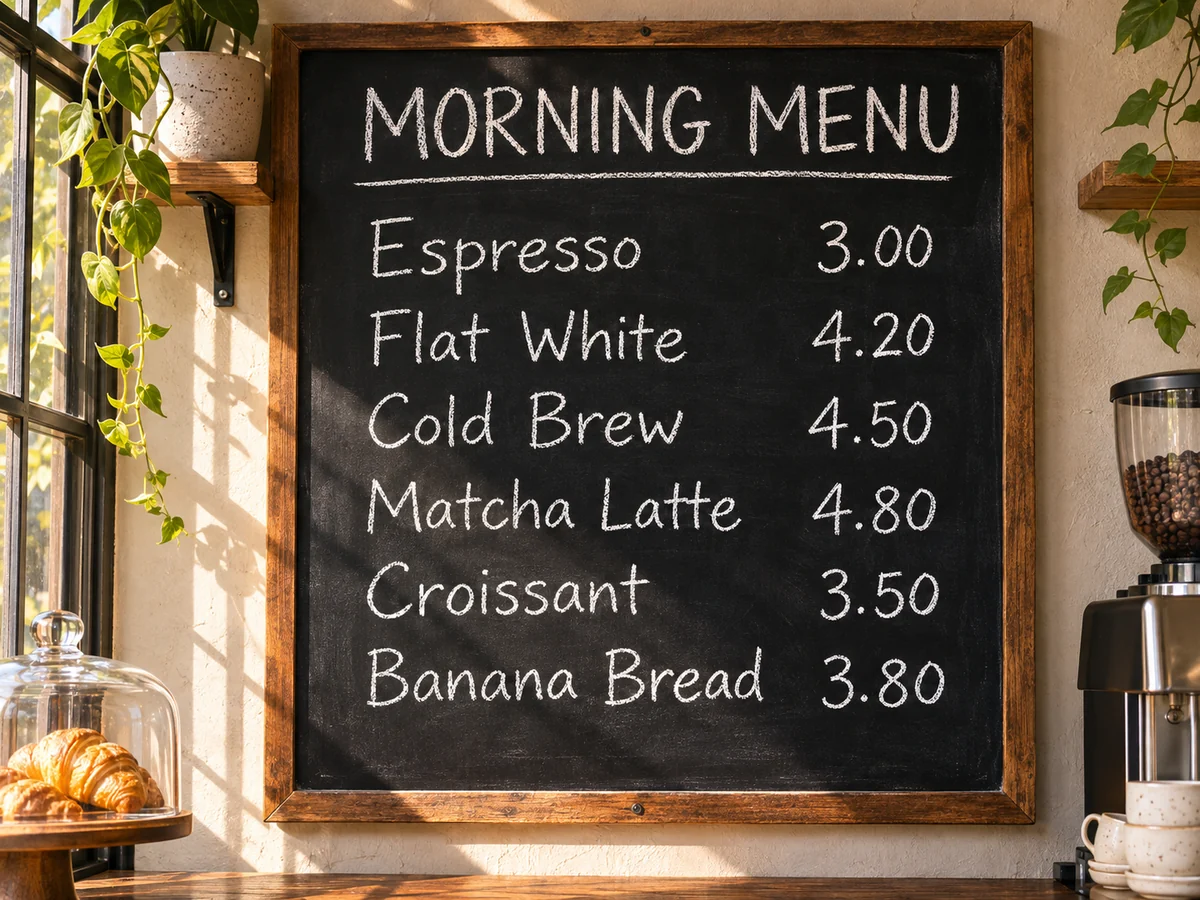
Keep small text readable

Menus, labels and maps stay sharp, letter for letter.
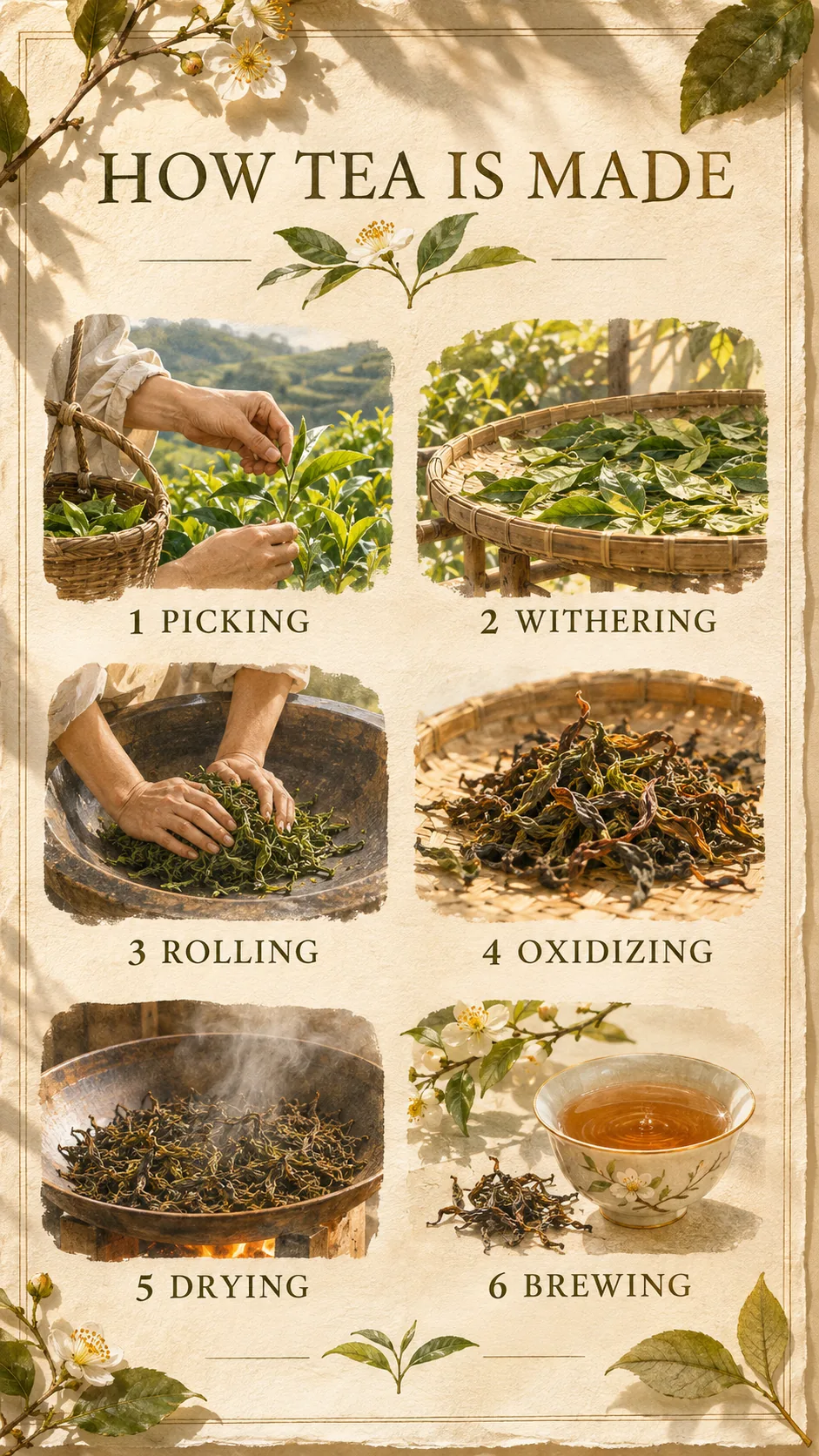
An infographic poster titled "HOW TEA IS MADE" with six numbered steps
9:16
A café chalkboard menu with six prices
4:3
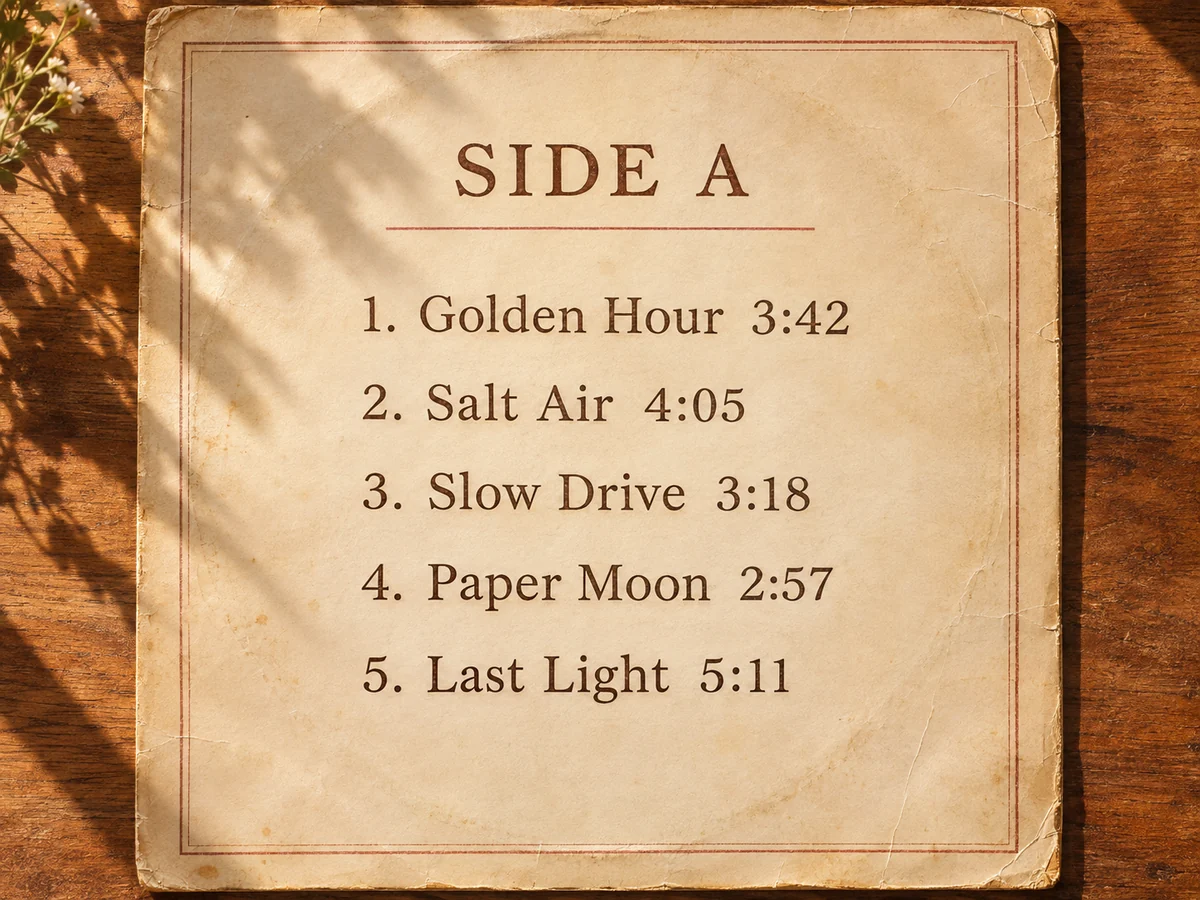
The back of a vinyl sleeve listing five tracks
4:3
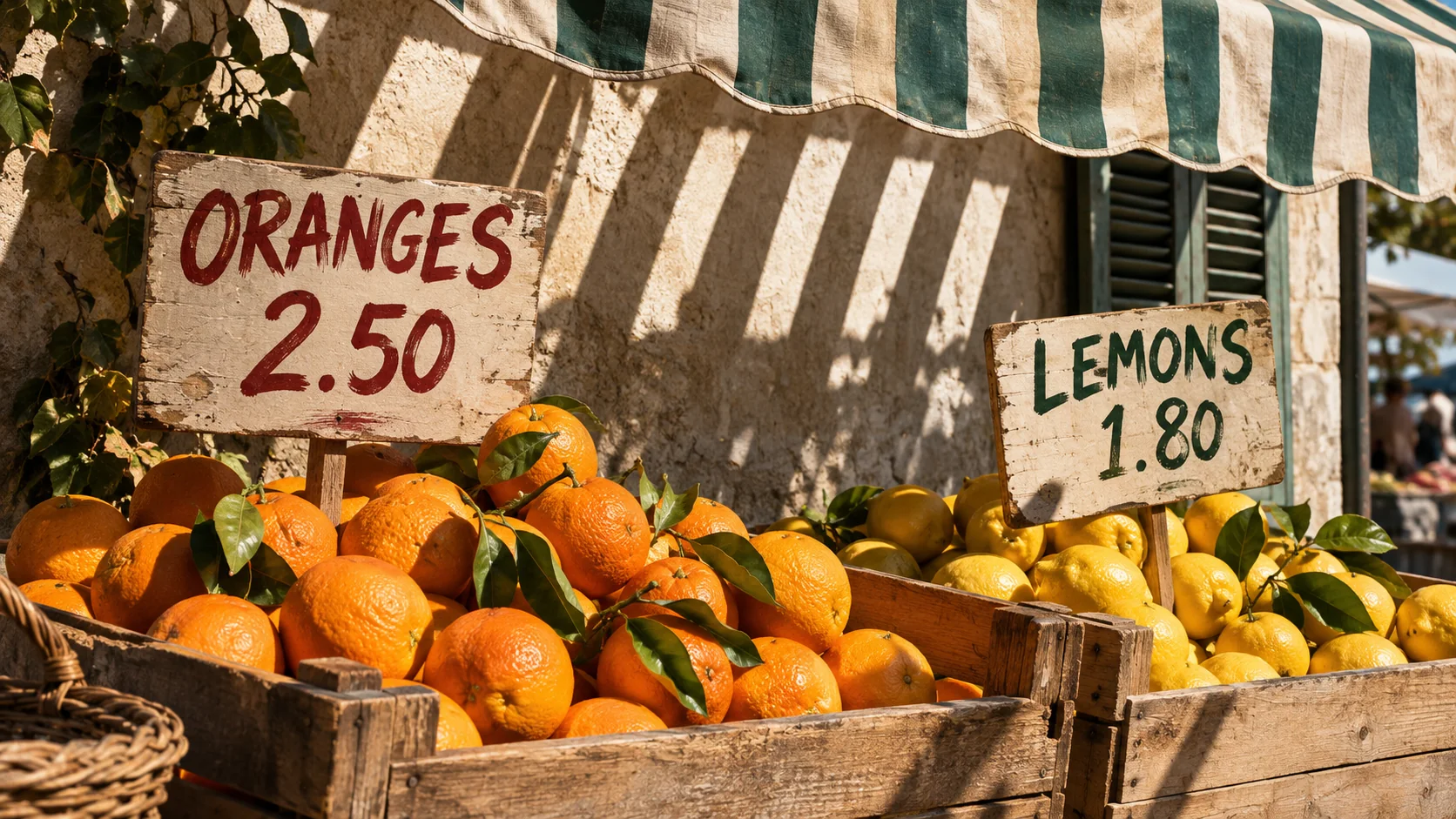
A citrus stall at an outdoor market in hard sunlight
16:9
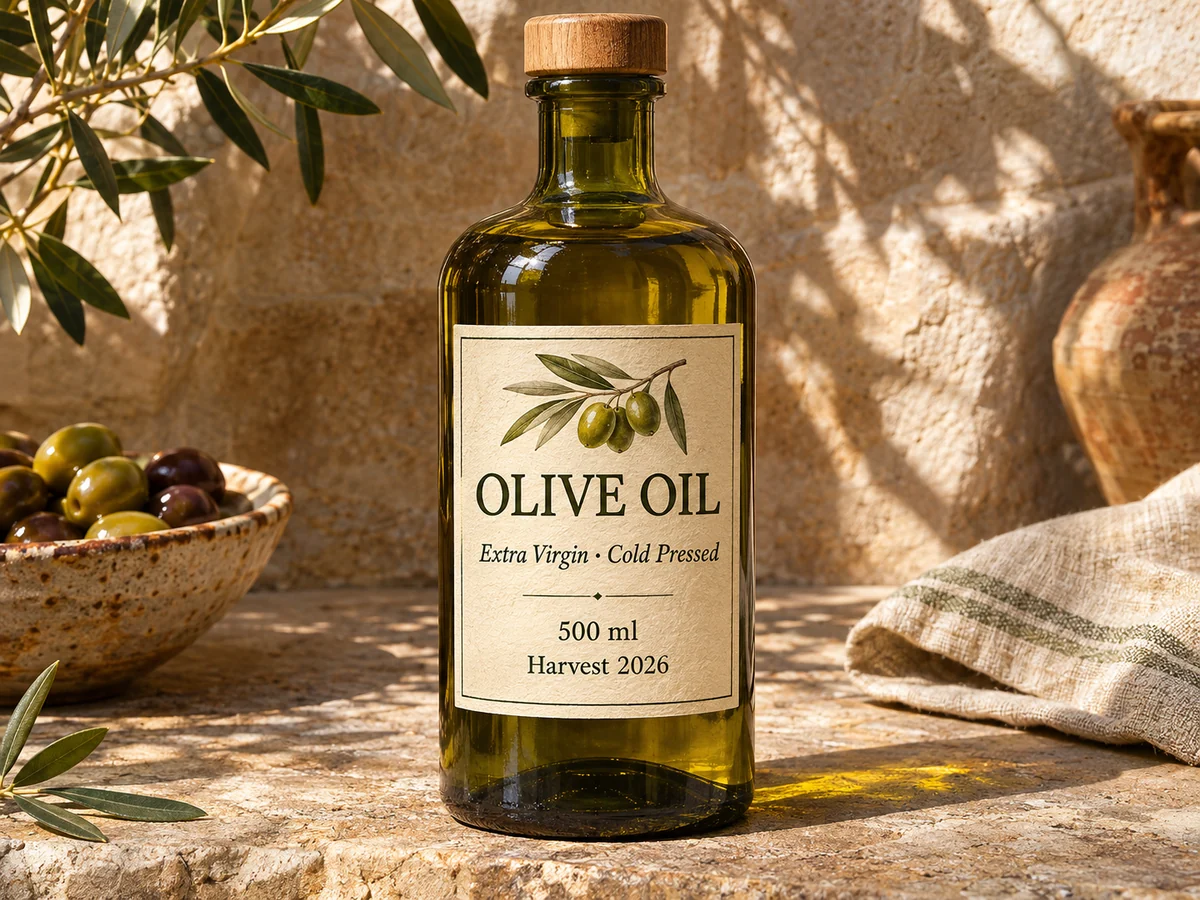
An olive oil bottle with a small-print label
4:3
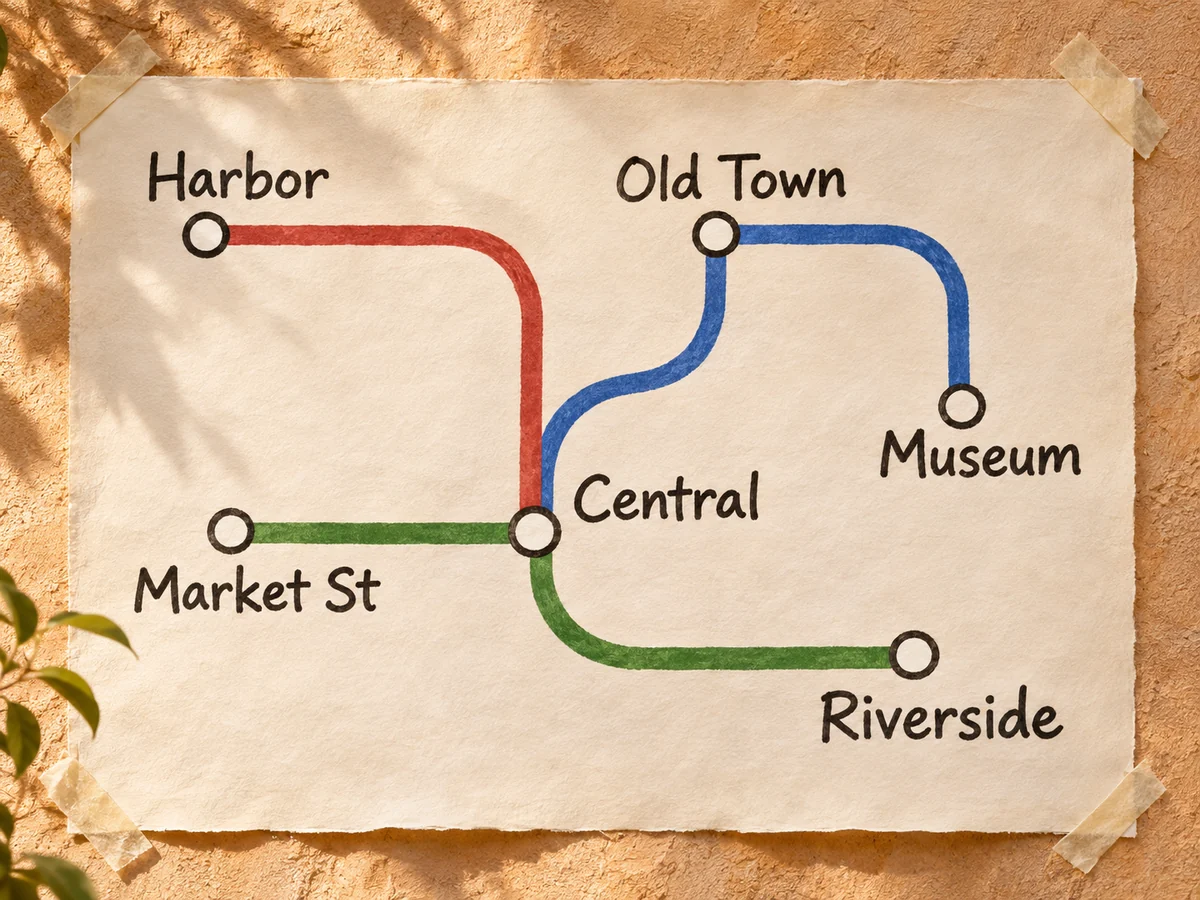
A hand-drawn metro map with six stations
4:3

From image to finished video

Every Seedream 5.5 image you generate lands in your ChatCut project, ready to animate.
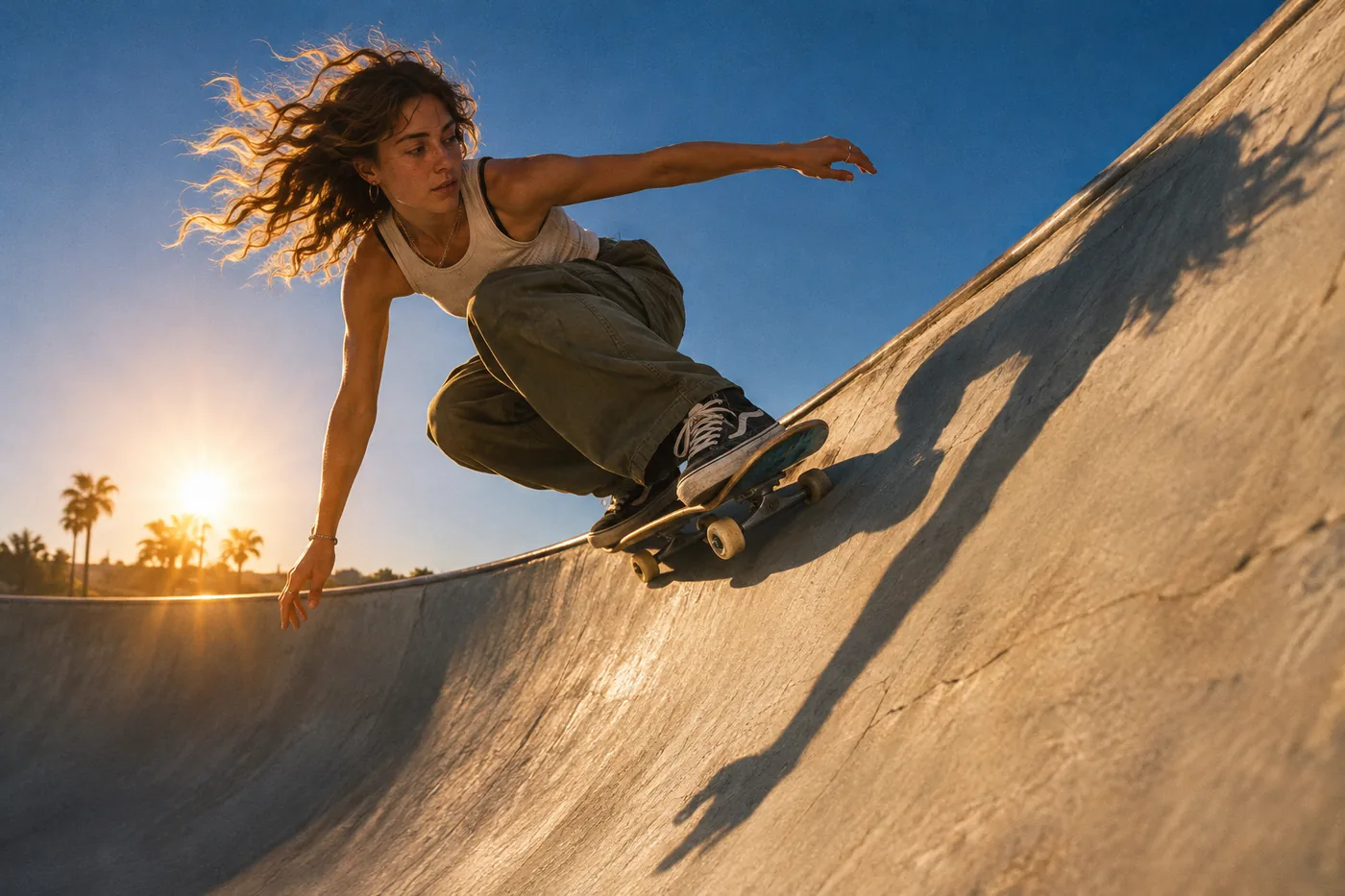
  1. A skateboarder carving the edge of a concrete bowl

    Step 1

    Generate the image

    Pick Seedream 5.5 in the image model menu and describe the shot.

  2. Kling 4.0 · 5s

    Step 2

    Use it as the first frame

    Hand the still to a video model and describe the motion you want.

  3. Added captions, voiceover and music
    00:00:06
    V1Video 1
    CCCaptions
    A1Voiceover
    A2Music
    00:00:0000:00:0500:00:1000:00:15

    Step 3

    Finish the cut

    Add captions, voiceover and music on the same timeline, then export.

Generate AI ImagesWith Full Editing Control

Generate images from a prompt or your own photos, then animate, caption, voice and score them, all in one place.

Download Desktop Download for macOS Download for Windows Generate an image

Image to video

Background removal

Color & LUTs

AI voiceover

AI music

Captions

Motion graphics

Generate striking images from a single prompt

Describe the subject, the light and the layout — then generate in any ratio and keep editing in the same project.
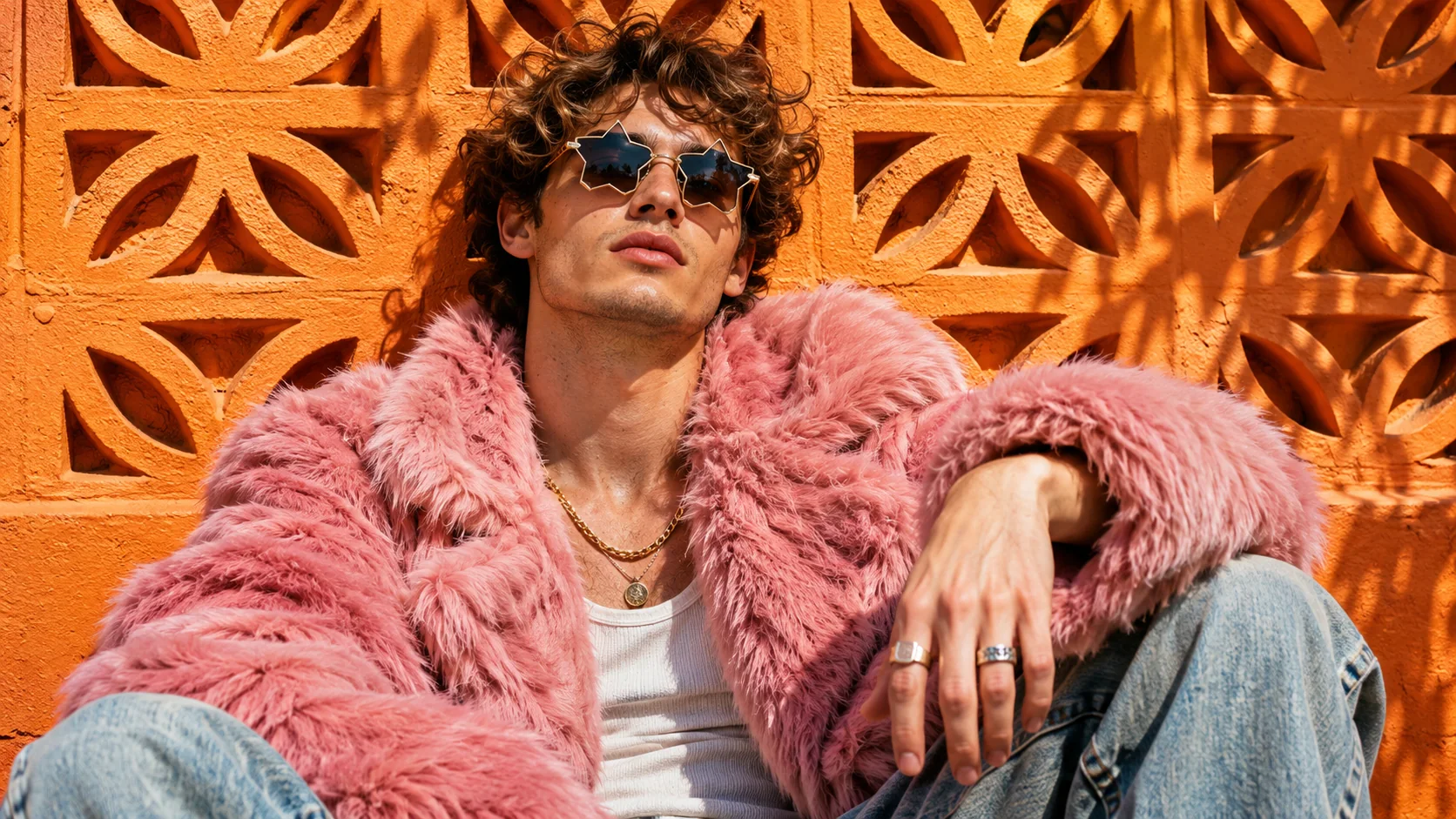
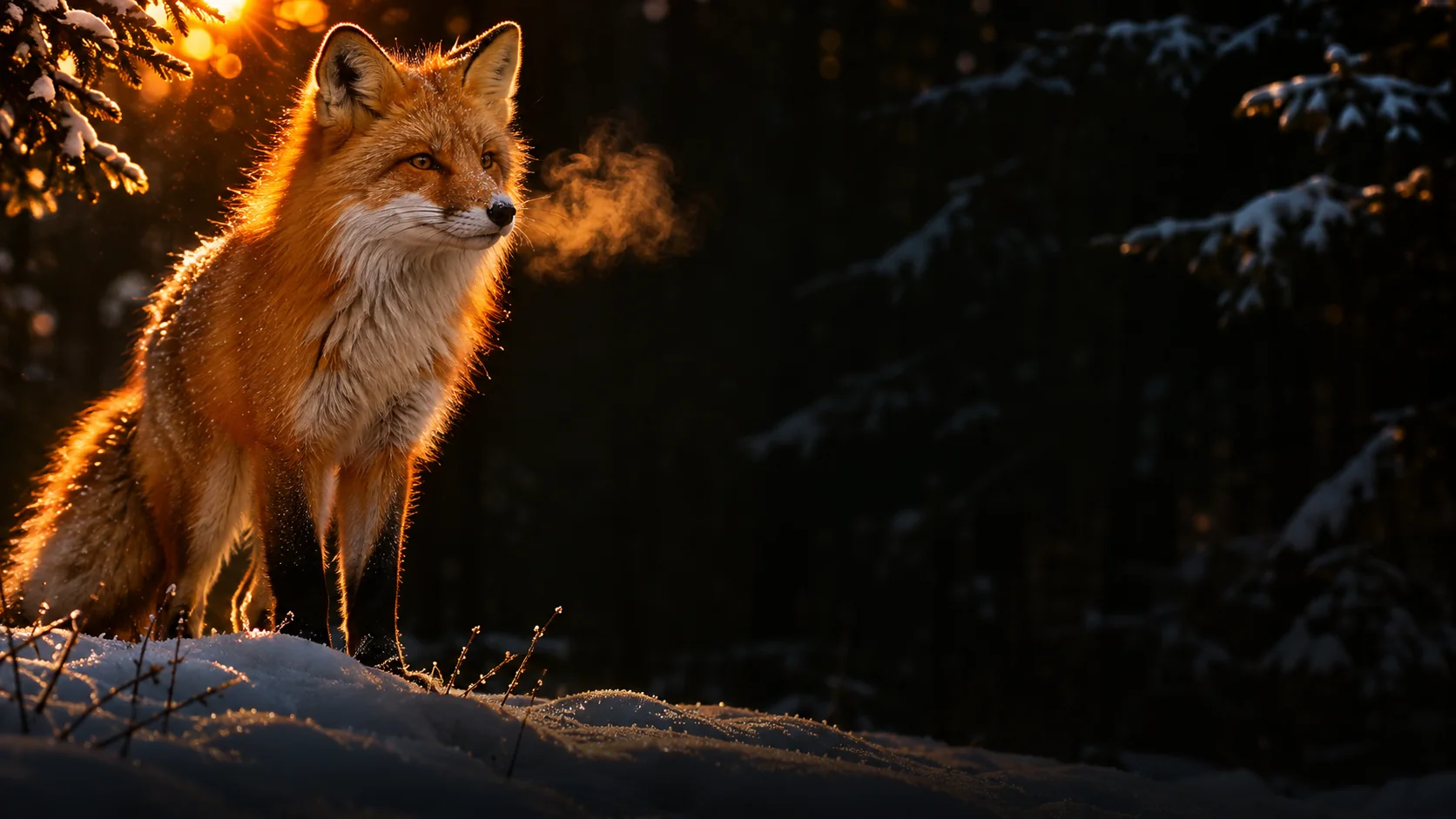
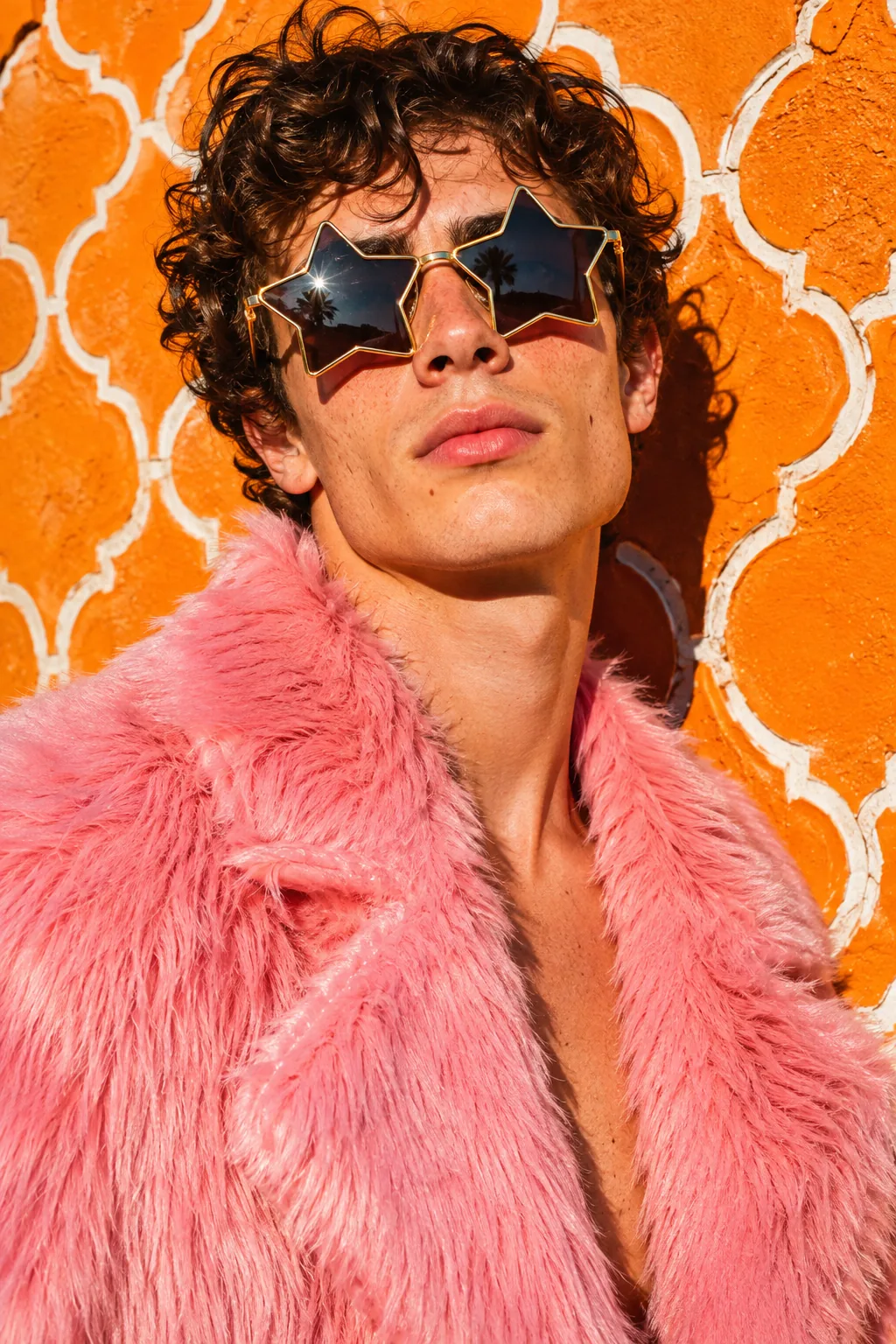
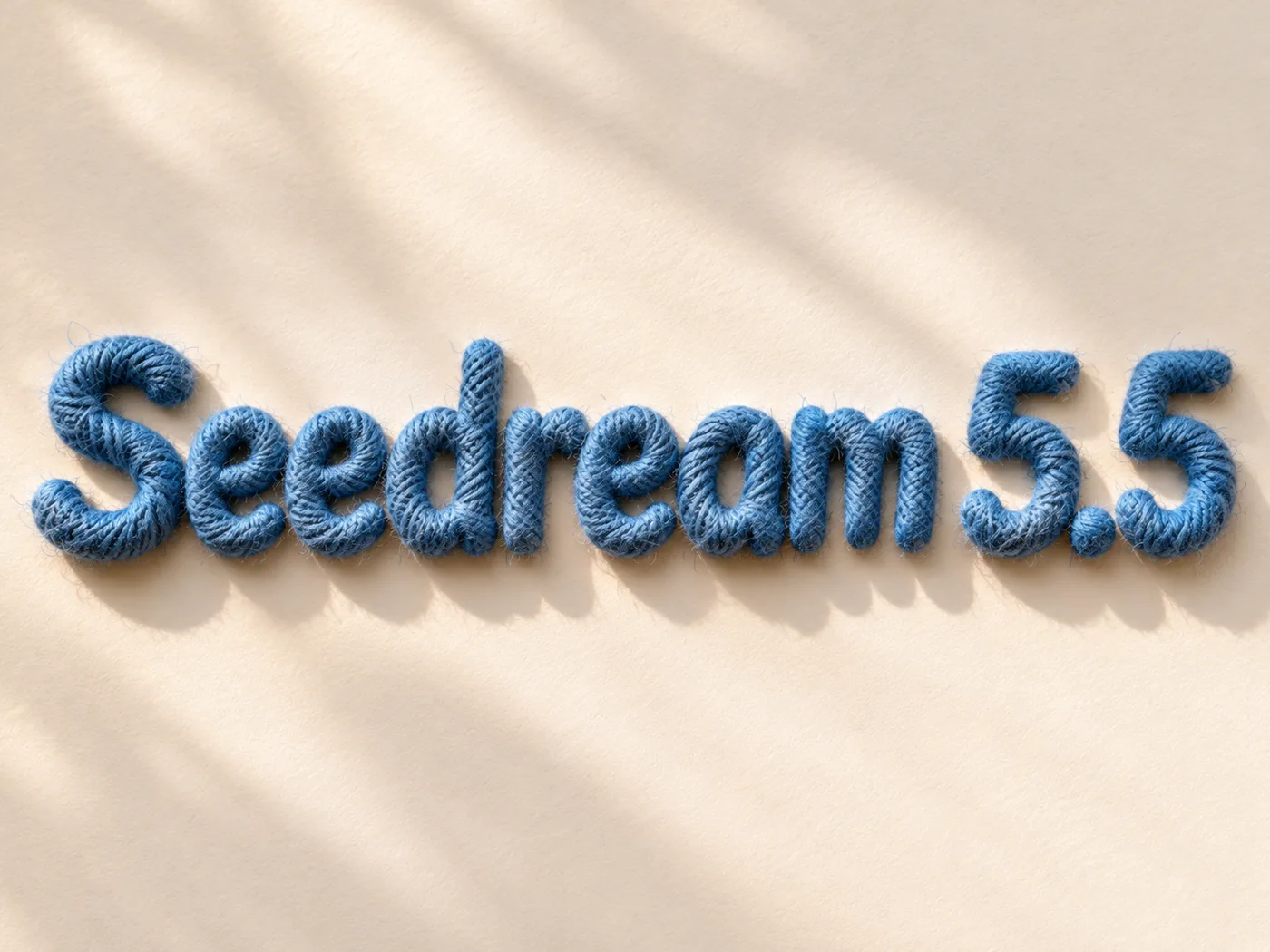
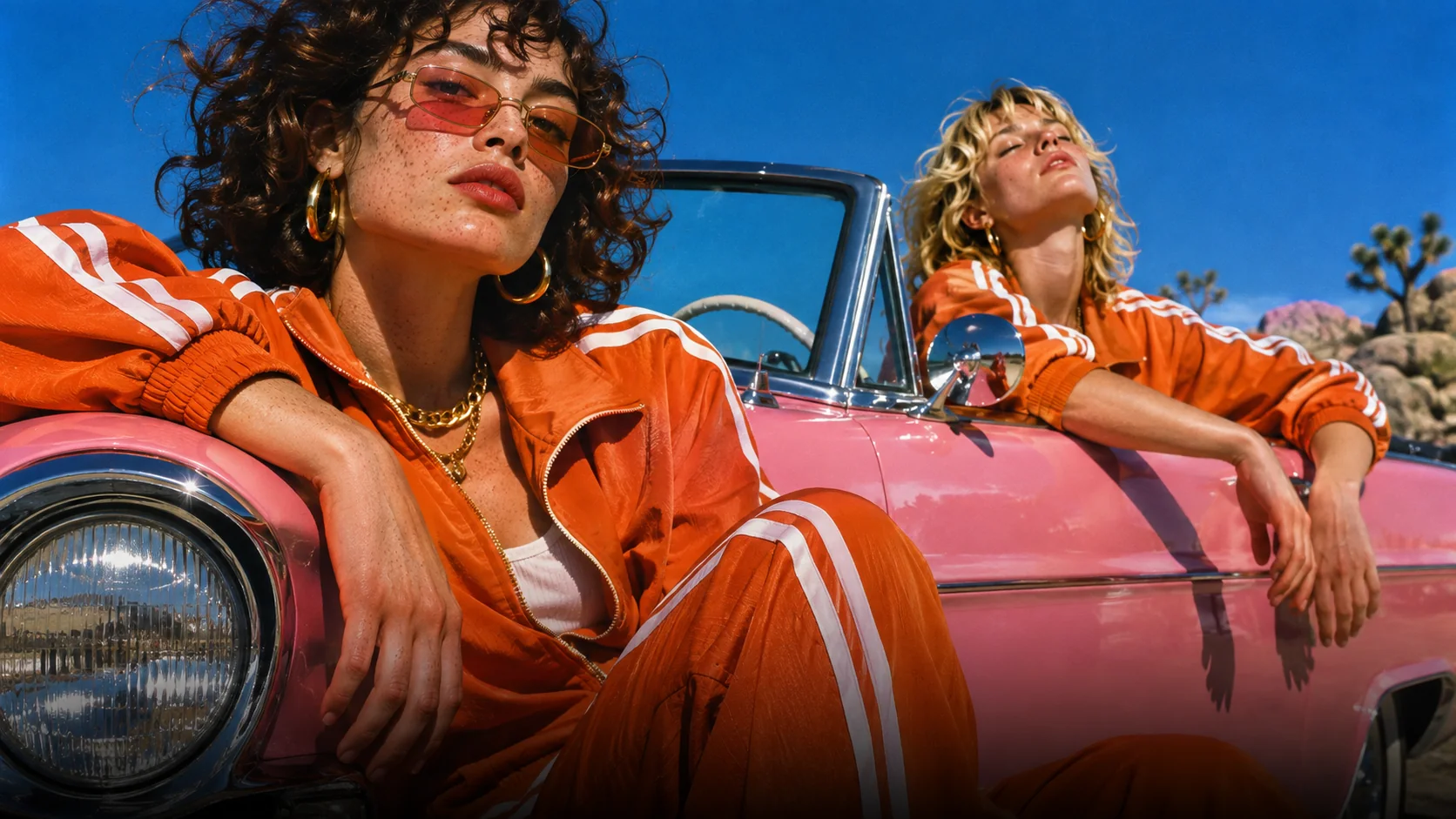
Street portrait of a young man in a pink faux-fur coat and star-shaped sunglasses in front of an orange patterA red fox standing in fresh snow at sunriseTwo friends in matching orange tracksuits leaning on a vintage pink convertibleThe words "Seedream 5.5" in rounded letters wrapped in blue yarnA skateboarder carving the edge of a concrete bowl Seedream 5.5 1 / 5

Portraits & fashion

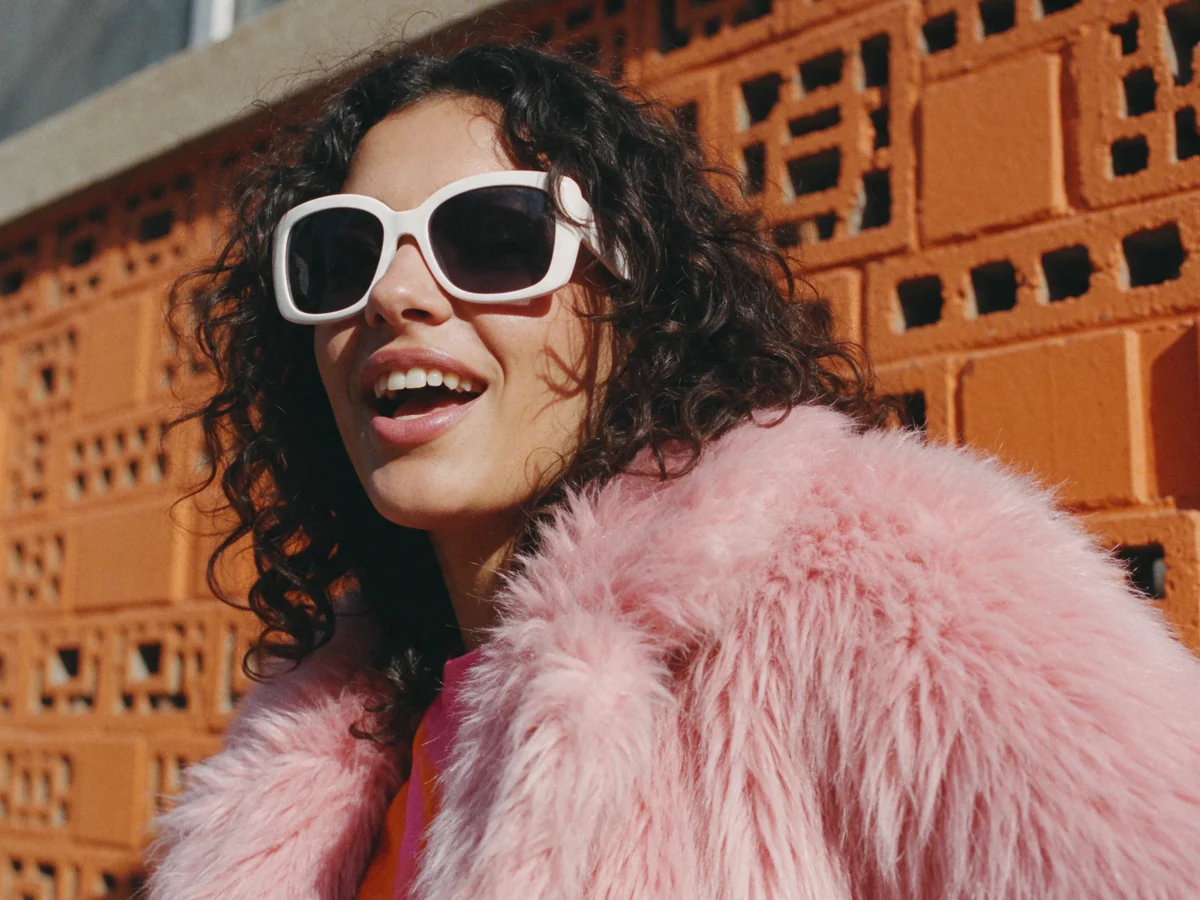
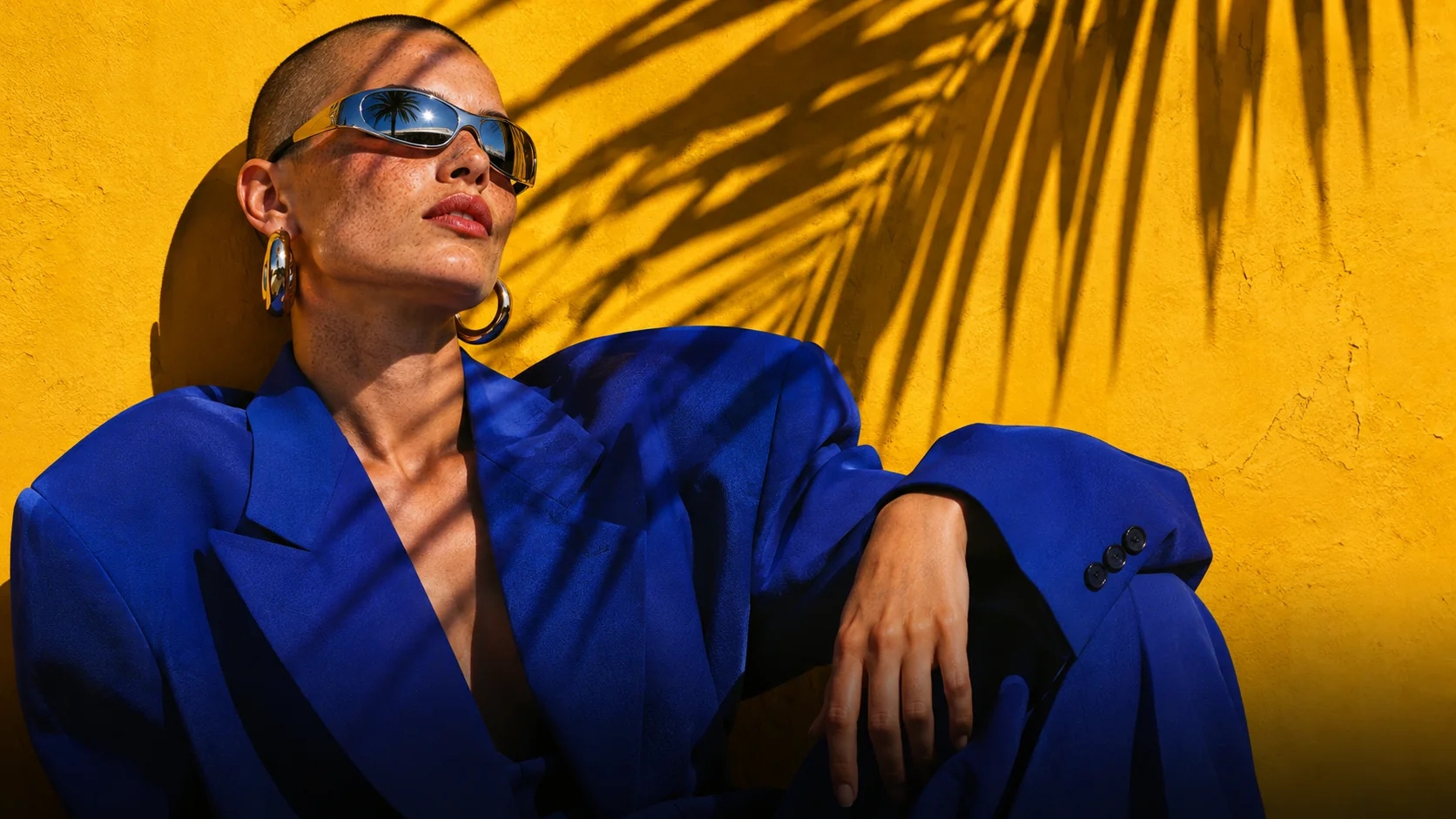
Skin, fabric and hard sunlight that read like a real photo shoot.

Street portrait of a young man in a pink faux-fur coat and star-shaped sunglasses in front of an orange patterned wall, hard sunlight, saturated colour, wide frame.

Seedream 5.5 2K 16:9

Prompt to Image

Describe a complete picture and drop the result straight into your project.

Multi-Round Editing

Change one detail at a time and keep faces, layouts and numbers exactly where they were.

Transparent Output

Generate stickers, titles and cut-outs with real alpha, ready to layer over footage.

Timeline Editing

Animate, caption, voice and score every generated image without leaving the editor.

Subscribe to get your AI video editor

Unlock member features, models, and export allowances. Get more credits every month

Starter

$21 /month $25

Billed annually · $252

16% off
Get started
  • 100 credits / month
  • 41 Seedance 2.5 videosIllustrative new-user estimates, not guaranteed amounts or your quote. Each example spends all credits on one model. Video and image examples use the prompt “A red circle on a plain white background.” with no reference media; images use PNG. Actual costs vary with settings and generated tokens.
  • 588 Nano Banana 2.1 imagesIllustrative new-user estimates, not guaranteed amounts or your quote. Each example spends all credits on one model. Video and image examples use the prompt “A red circle on a plain white background.” with no reference media; images use PNG. Actual costs vary with settings and generated tokens.
  • AI editing for ~5 projectsEstimated from typical use. Projects aren't limited, and credits vary with project complexity. Editing through external agents like Claude Code or Codex uses no credits, but generating content still does
  • Parallel: 2 videos, 4 images
  • Create 1 voice clone, 1 avatar
  • Extra credit discount
  • Access to all AI modelsIncludes the most advanced models: Seedance 2.5, Kling 4.0, GPT Image 2.6, Nano Banana 2.1, music and voice generation
  • Full AI editing and video editor
  • 4K video export
  • Transparent MG export

Plus

$38 /month $50

Billed annually · $456

24% off
Get started
  • 200 credits / month
  • 82 Seedance 2.5 videosIllustrative new-user estimates, not guaranteed amounts or your quote. Each example spends all credits on one model. Video and image examples use the prompt “A red circle on a plain white background.” with no reference media; images use PNG. Actual costs vary with settings and generated tokens.
  • 1,176 Nano Banana 2.1 imagesIllustrative new-user estimates, not guaranteed amounts or your quote. Each example spends all credits on one model. Video and image examples use the prompt “A red circle on a plain white background.” with no reference media; images use PNG. Actual costs vary with settings and generated tokens.
  • AI editing for ~10 projectsEstimated from typical use. Projects aren't limited, and credits vary with project complexity. Editing through external agents like Claude Code or Codex uses no credits, but generating content still does
  • Unlimited parallel generations
  • Unlimited voice clones, avatars
  • Extra credits 10% off
  • Access to all AI modelsIncludes the most advanced models: Seedance 2.5, Kling 4.0, GPT Image 2.6, Nano Banana 2.1, music and voice generation
  • Full AI editing and video editor
  • 4K video export
  • Transparent MG export
Most popular

Pro

$72 /month $100

Billed annually · $864

28% off
Get started
  • 400 credits / month
  • 164 Seedance 2.5 videosIllustrative new-user estimates, not guaranteed amounts or your quote. Each example spends all credits on one model. Video and image examples use the prompt “A red circle on a plain white background.” with no reference media; images use PNG. Actual costs vary with settings and generated tokens.
  • 2,352 Nano Banana 2.1 imagesIllustrative new-user estimates, not guaranteed amounts or your quote. Each example spends all credits on one model. Video and image examples use the prompt “A red circle on a plain white background.” with no reference media; images use PNG. Actual costs vary with settings and generated tokens.
  • AI editing for ~20 projectsEstimated from typical use. Projects aren't limited, and credits vary with project complexity. Editing through external agents like Claude Code or Codex uses no credits, but generating content still does
  • Unlimited parallel generations
  • Unlimited voice clones, avatars
  • Extra credits 15% off
  • Access to all AI modelsIncludes the most advanced models: Seedance 2.5, Kling 4.0, GPT Image 2.6, Nano Banana 2.1, music and voice generation
  • Full AI editing and video editor
  • 4K video export
  • Transparent MG export
Lowest credit price

Max

$141 /month $200

Billed annually · $1692

30% off
Get started
  • 800 credits / month
  • 329 Seedance 2.5 videosIllustrative new-user estimates, not guaranteed amounts or your quote. Each example spends all credits on one model. Video and image examples use the prompt “A red circle on a plain white background.” with no reference media; images use PNG. Actual costs vary with settings and generated tokens.
  • 4,705 Nano Banana 2.1 imagesIllustrative new-user estimates, not guaranteed amounts or your quote. Each example spends all credits on one model. Video and image examples use the prompt “A red circle on a plain white background.” with no reference media; images use PNG. Actual costs vary with settings and generated tokens.
  • AI editing for ~40 projectsEstimated from typical use. Projects aren't limited, and credits vary with project complexity. Editing through external agents like Claude Code or Codex uses no credits, but generating content still does
  • Unlimited parallel generations
  • Unlimited voice clones, avatars
  • Extra credits 20% off
  • Access to all AI modelsIncludes the most advanced models: Seedance 2.5, Kling 4.0, GPT Image 2.6, Nano Banana 2.1, music and voice generation
  • Full AI editing and video editor
  • 4K video export
  • Transparent MG export

Free

$0No credit card required

  • Free credits at signup
  • Full video editor
  • Unlimited local export
  • AI captions and transcription
  • Motion graphics
  • 1 voice clone with preview
Try for free

Some features are completely free in Codex, Claude, and WorkBuddy. Learn More

Seedream 5.5 and ChatCut

Is Seedream 5.5 available in ChatCut?

Yes. ByteDance released Seedream 5.5 on November 9, 2026, and it is now in ChatCut's image model menu on an active Pro plan. Pick it when you generate or edit an image.

What is new in Seedream 5.5?

ByteDance lists two main changes: edits across many rounds that leave the untouched parts of the image as they were, and native transparent output. It also says generation is faster and small text is sharper.

Which image models can I use in ChatCut?

Seedream 5.5, GPT Image 2.6, GPT Image 2.5, GPT Image 2, Nano Banana 2.1, Nano Banana 2 and Nano Banana Pro, on an active Pro plan.

Can I make transparent images with Seedream 5.5?

Yes. Seedream 5.5 outputs transparent PNGs, and so does GPT Image 2.6. Ask for a transparent background, then place the result over your footage.

How much does Seedream 5.5 cost in ChatCut?

It runs on ChatCut credits, charged per image. The credit estimate appears beside Send before you generate, so you see the cost first.

Can I use a generated image in a video?

Yes. Images land in My Assets. Use one as the first frame for Seedance or Kling, or place it on the timeline and keep editing.

Choose your platform